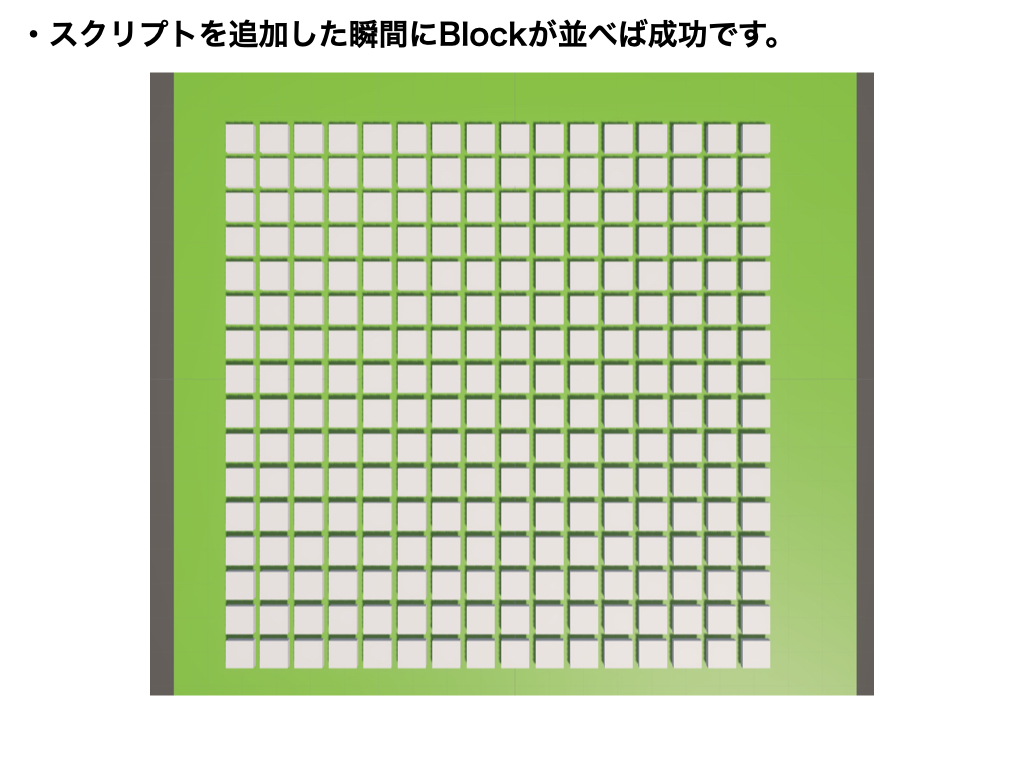
using UnityEngine;

[ExecuteAlways]
public class StageCreate : MonoBehaviour
{
    private GameObject blockBox;

    // 二重配置の防止(ポイント)
    public bool isSet = false;

    void Start()
    {
        if (!isSet)
        {
            // 指定した名前でCreate Emptyオブジェクトを作成
            blockBox = new GameObject("BlockBox");

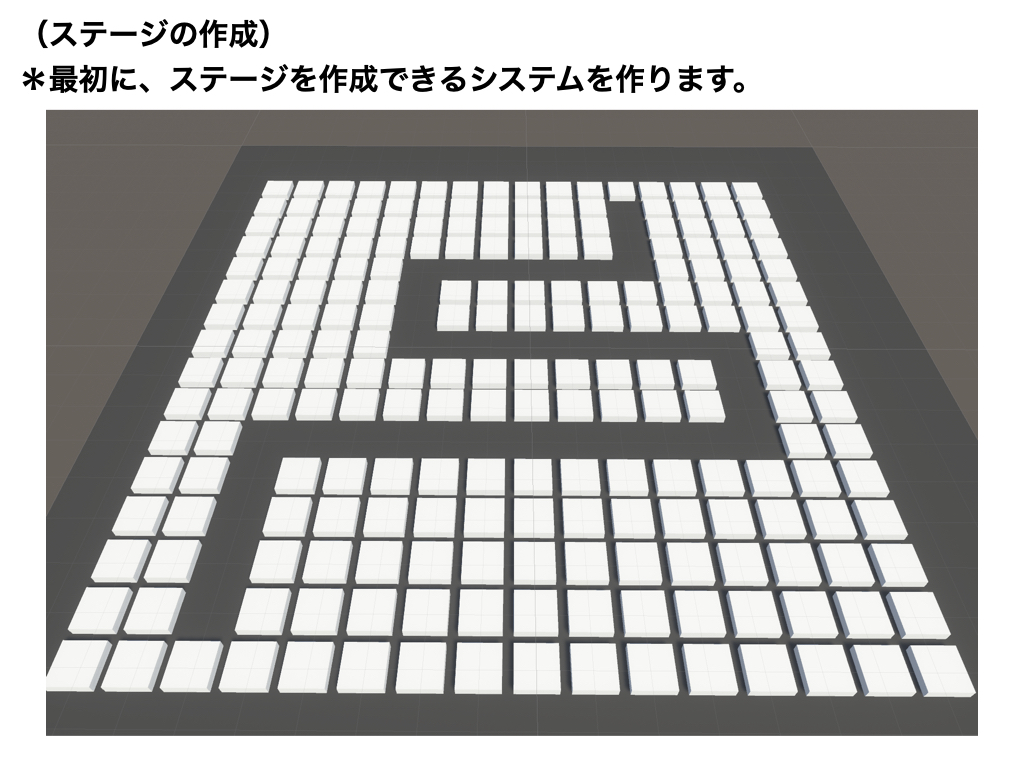
            for (int i = -8; i < 8; i++)
            {
                for (int j = -8; j < 8; j++)
                {
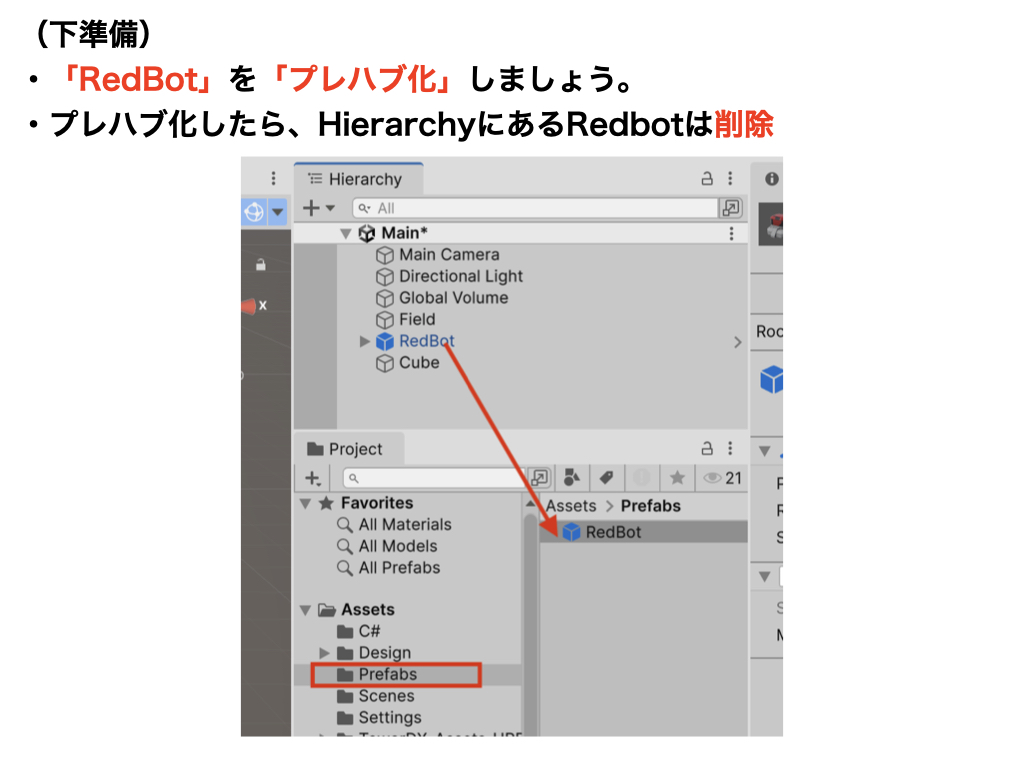
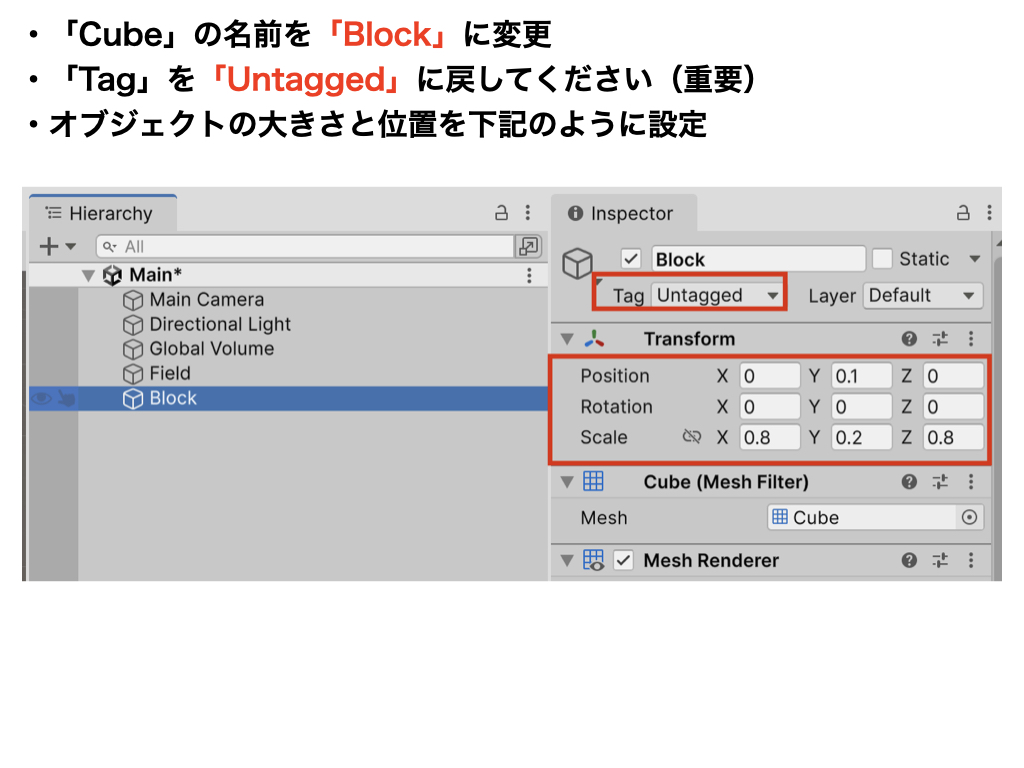
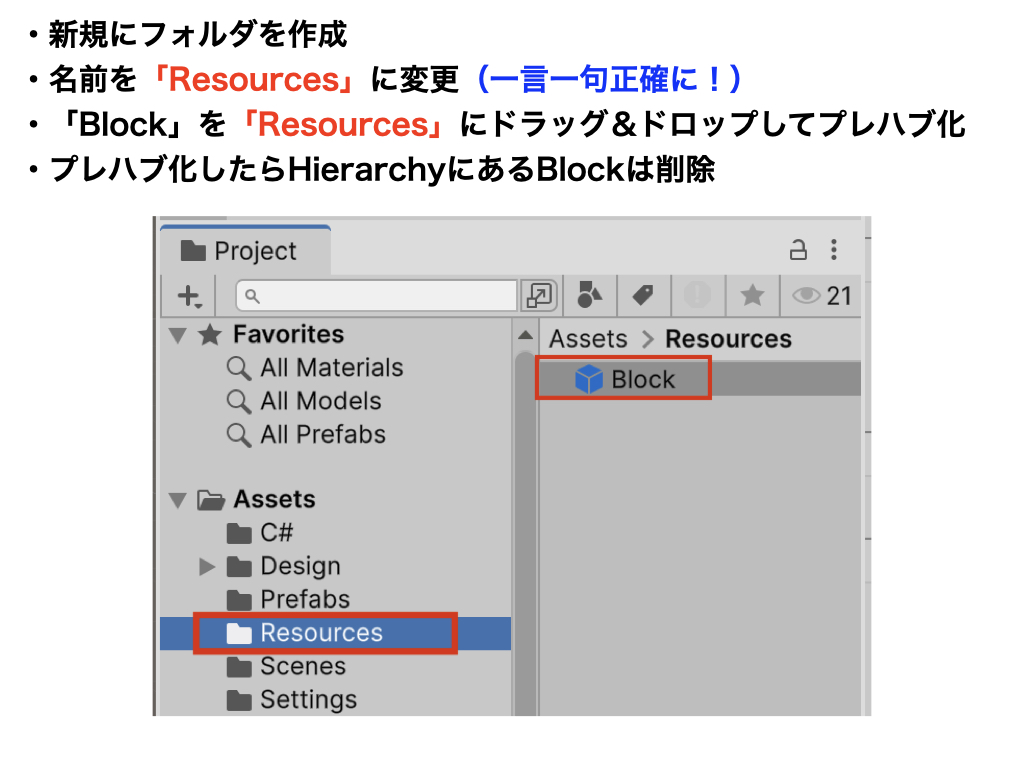
                    GameObject blockPrefab = (GameObject)Resources.Load("Block");
                    GameObject block = Instantiate(blockPrefab, new Vector3(i, 0.1f, j), Quaternion.identity);
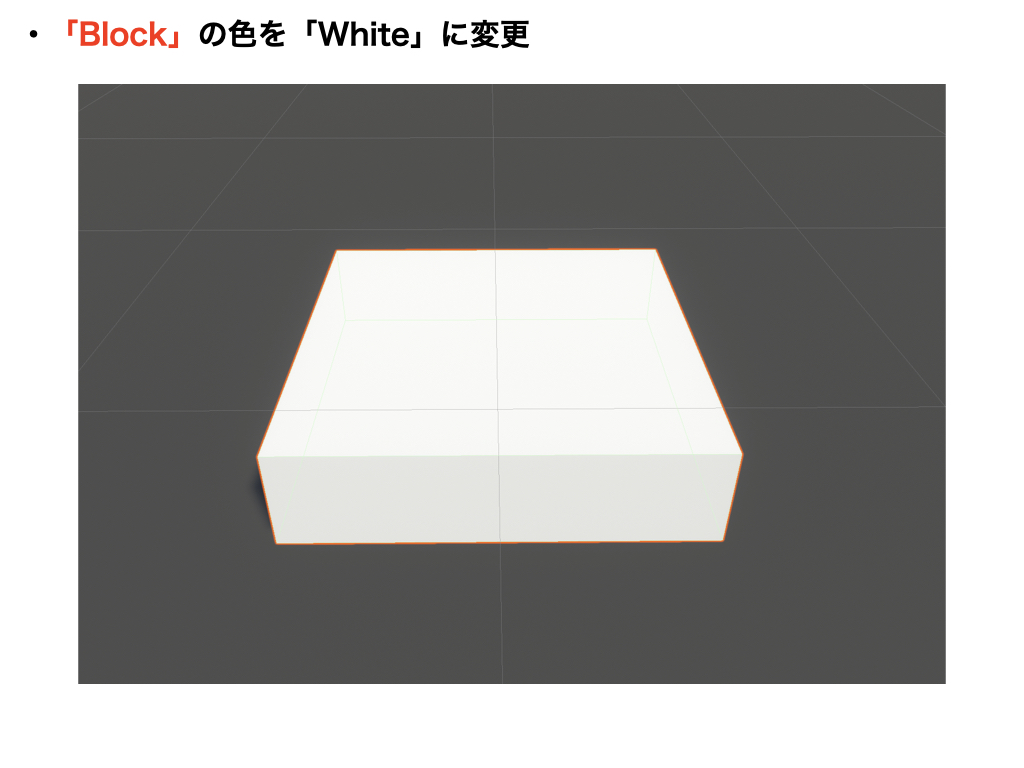
                    block.GetComponent<MeshRenderer>().material.color = Color.white;

                    // 動的に親子関係の設定(ポイント)
                    block.transform.parent = blockBox.transform;
                }
            }
        }

        // 上記の処理が完了したら「true」に変更
        isSet = true;
    }
}